

In Video Ai creators are making waves but few have the polish & capabilities of In Video AI. Here’s what you need to know about this amazing online marvel
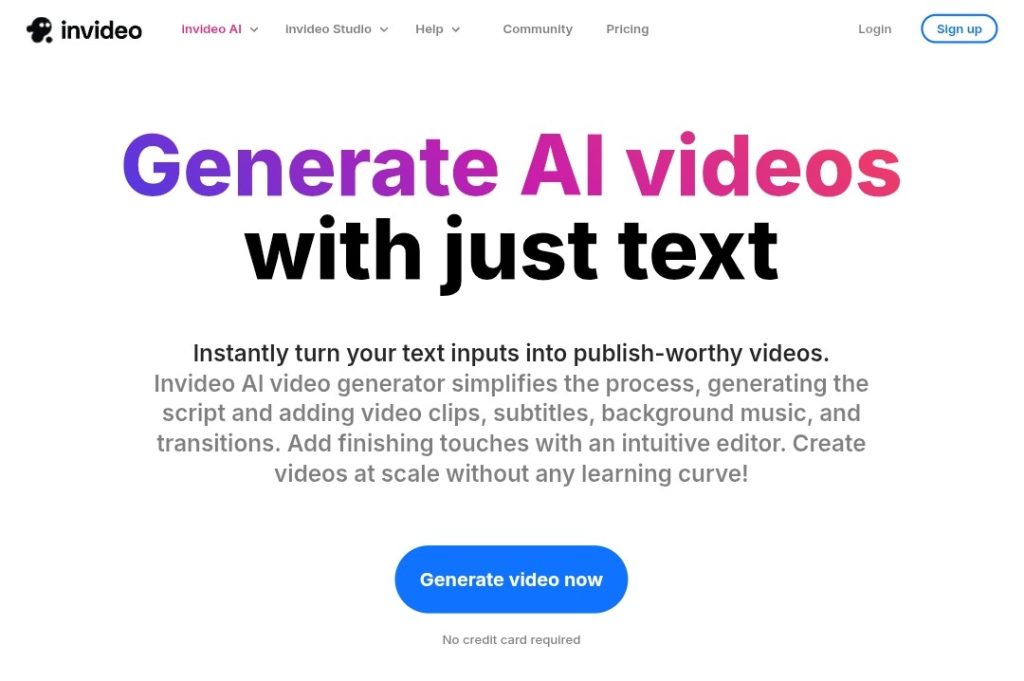
1. What is In Video AI?
InVideo AI is an online text-to-video platform. You enter a prompt and it creates a fully edited video with a script, stock footage, a voiceover, music, subtitles and transitions, without you needing to download software.
If you need explainer videos, ads, social-media reels, product demos, or animated art videos, InVideo does it all directly in your browser.
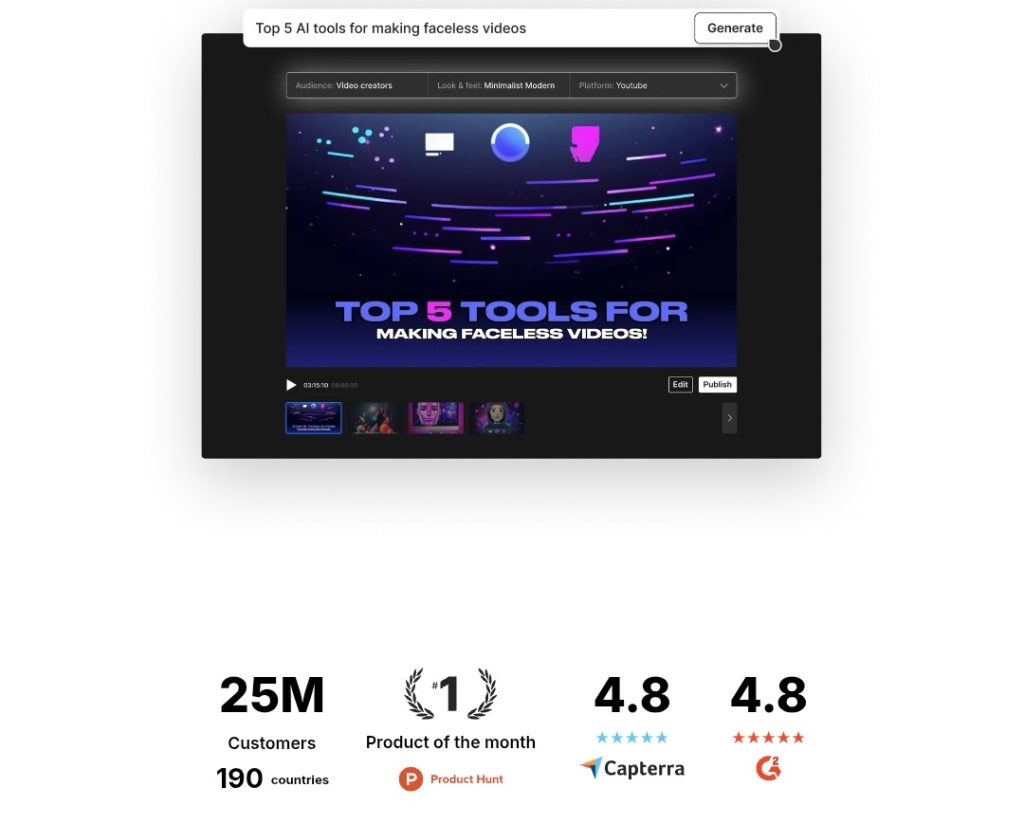
2. Simple Steps
Step 1: Enter a prompt or script (even pointing to a URL or article if you want).
Step 2: InVideo AI writes the script, determines appropriate visual sequence, and generates a realistic voiceover.
Step 3: Click “create” and in mere minutes it provides a draft you can share, for others to view.
Step 4: Tweak anything using the “Magic Box” feature with text commands, like “change voiceover accent” or “delete scene”.
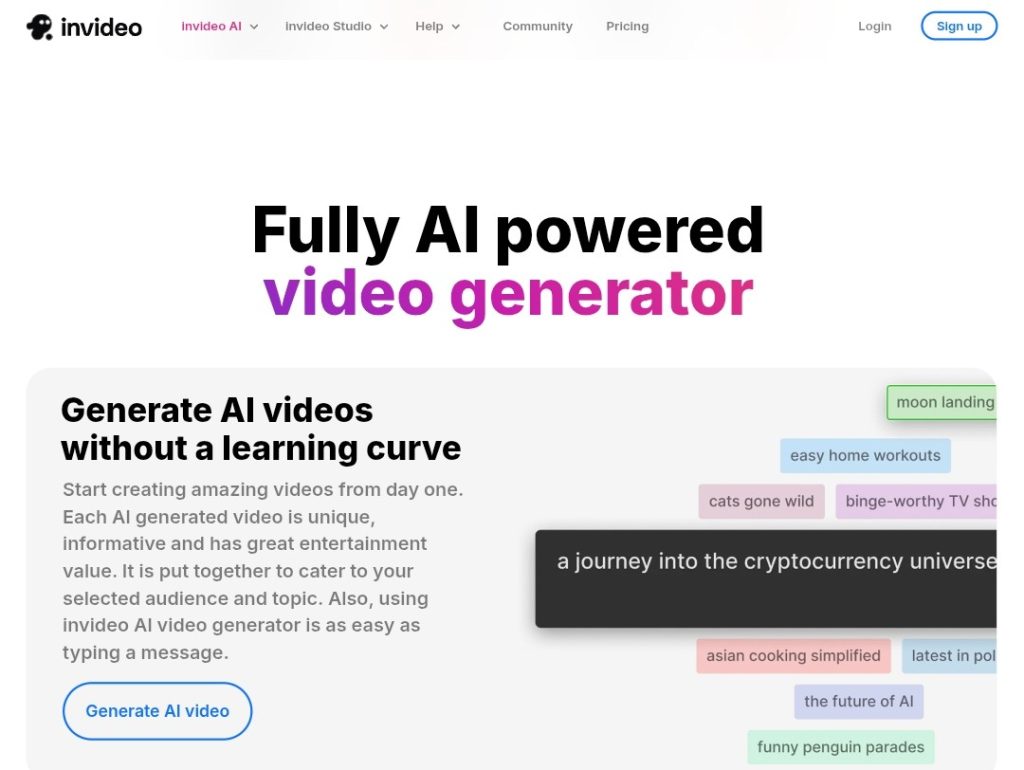
3. Main Features at a Glance
1-click video draft from text or websiteAI script generation – structuring, pacing, toneVoice options – male or female voices, accents; plus clone your own voiceAccess to 16-20 million+ stock footage, stock photos, stock tracks and generative AI clipsText editing via Magic Box prompts Multilingual dubbing, subtitles, brand kit assets and social-ready presetsCollaborative editing, cloud-based and allows for real-time collaboration
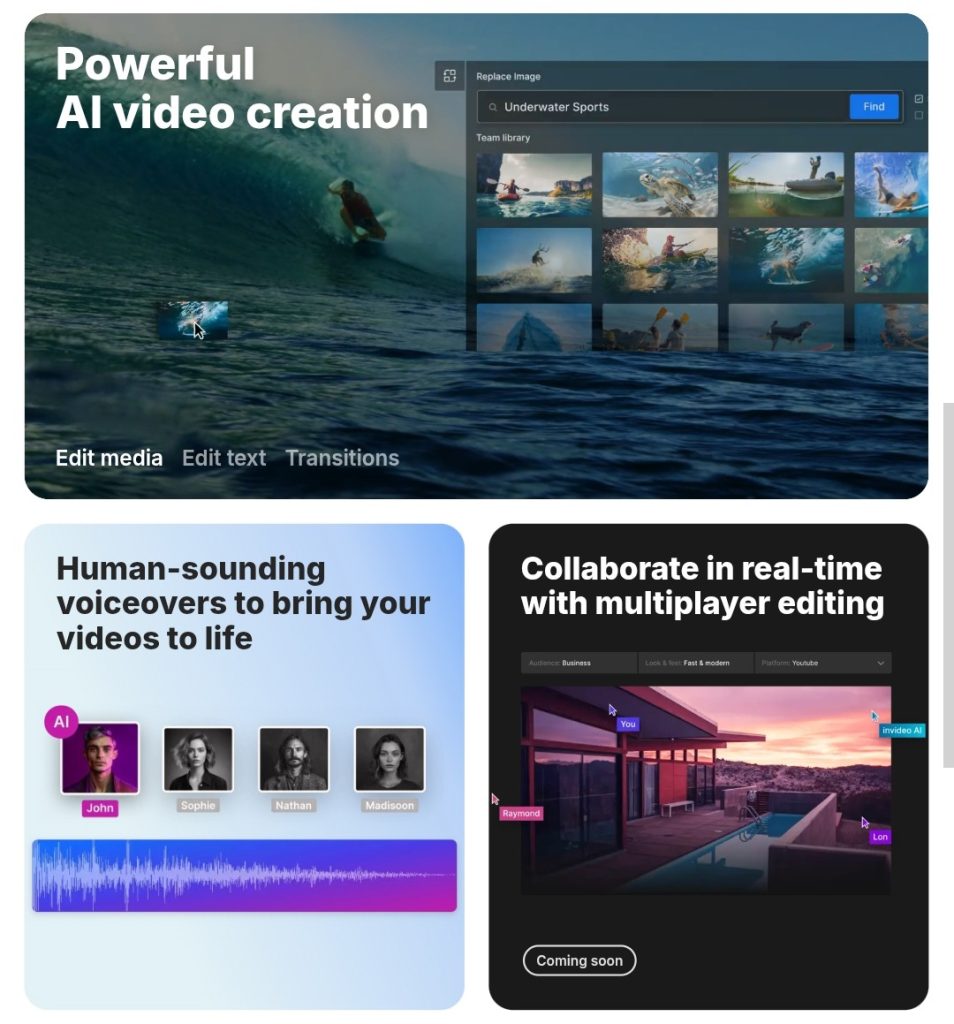
4. Advantages ✔️
Fast and intuitive – polished drafts in minutes
Accessible – ideal for beginners – no editing experience needed
Monetizable – Videos, including AI-generated Shorts are in monetizable content on YouTubeHuge media library avoids searching for content
Regularly updated – to offer new generative capacities and keep evolving the tool
5. Disadvantages ⚠️
Limited deep control – some stylistic changes still require human
effortSometimes inaccurate – AI can sometimes mismatch visuals or captions – could need a human review.
Limited by tier based restrictions – free tier will have watermarks and restrictions, higher tier features (e.g. generative videos, clone voices) require paid tiers
Web-based only – must have stable internet; no offline editing.
6. Pricing Overview 💰
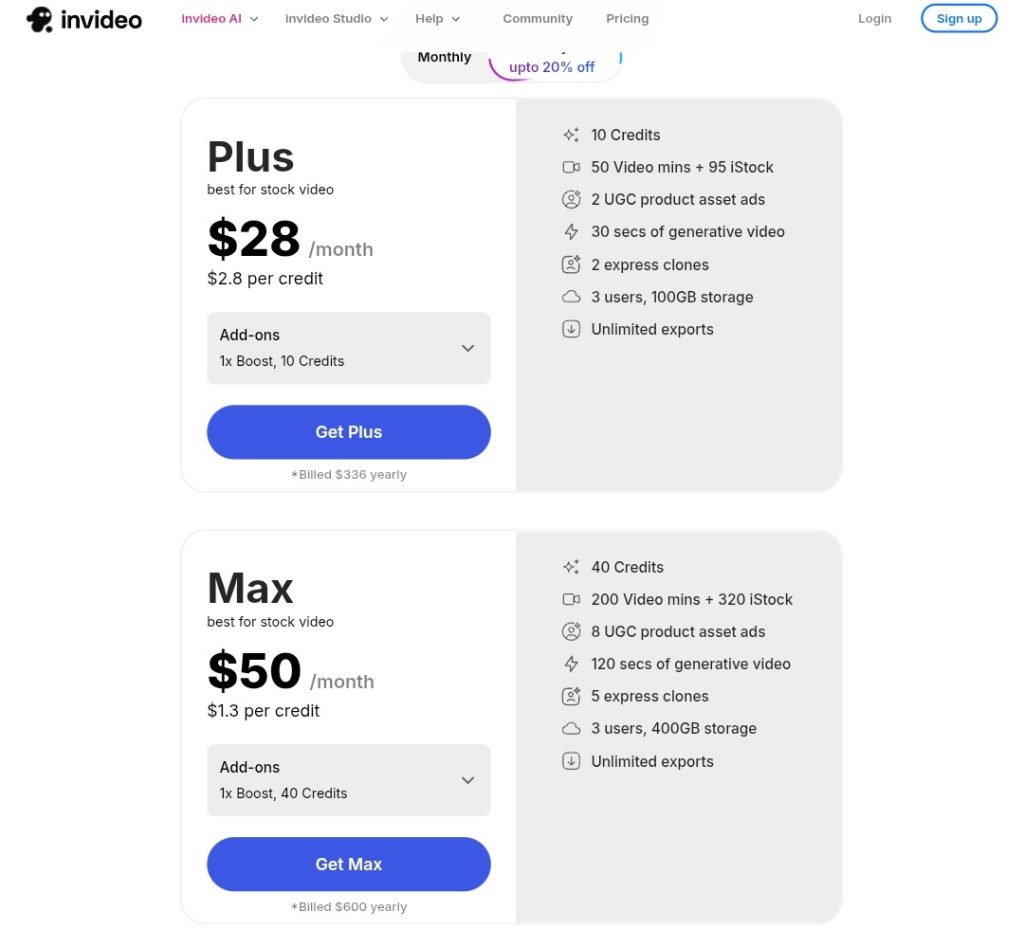
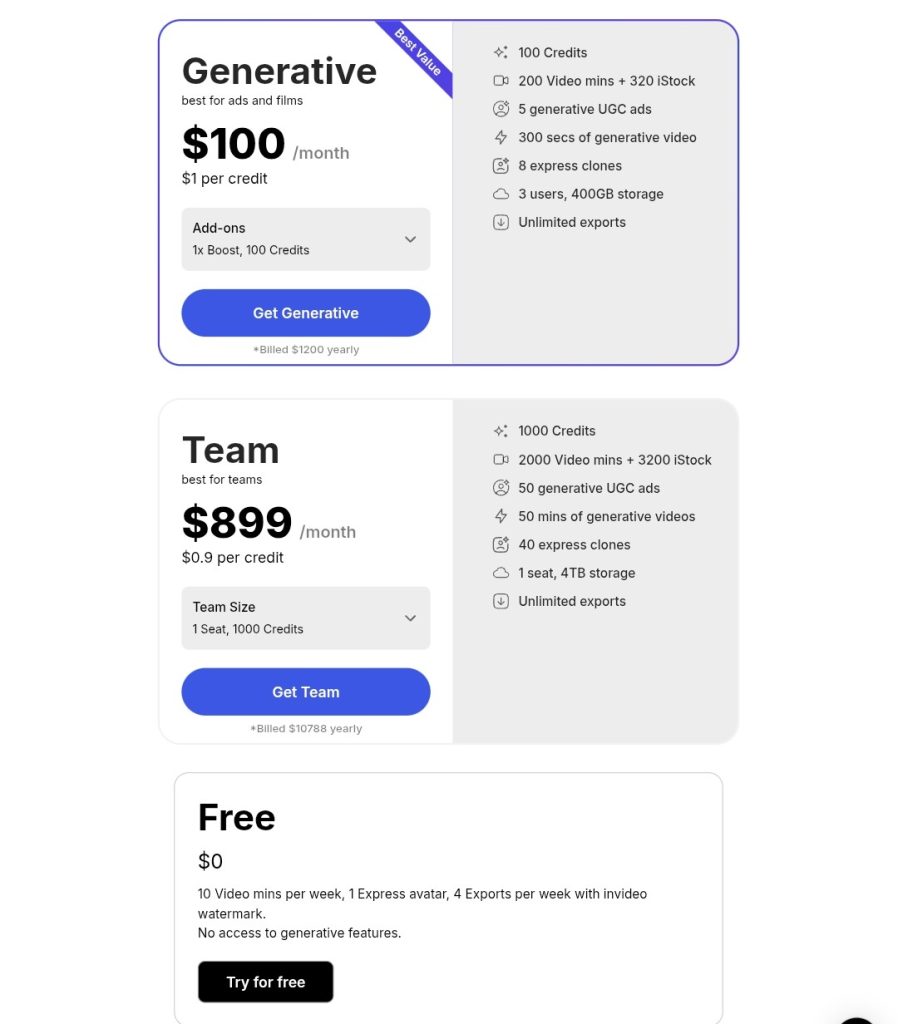
Free: 10-minute video/week, watermark, basic amount of stock & features.
Plus (~£23 / $28/mo): more creation credits, access to iStock visuals, no watermark.
Max (~£39 / $48/mo): more credits, more storage, voice “clones.”
Generative (~£78 / $96/mo): has access to unique AI-generated clips/images.
7. Who Should Use It?
Content creators & influencers: can automate video output across multiple platforms.
Marketers & SMB’s: can create ads and explainers fast.
Bloggers & educators: can take text, and turn it into engaging video content.
Team members creating videos in a remote capacity.
8. The Final Judgment/ Verdict
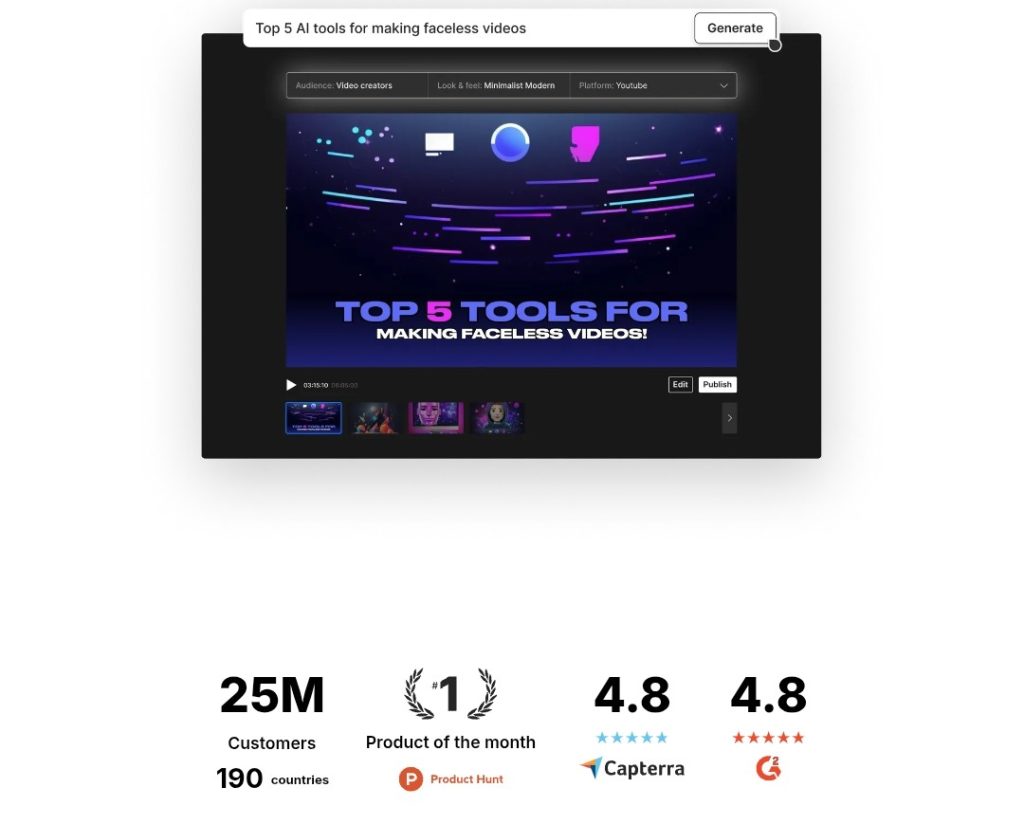
InVideo’s AI video generator. Hits the ‘sweet spot’ with speed, simplicity, and quality. The text-to-video pipeline, from script parsed by AI → visuals created by AI
→ voiceover generated by AI
→ subtitles added by AI, is slick and fast. While it isn’t a true manual editor, it’s great for generating a first cut, or social-ready video quickly. !
InVideo AI is a strong option for users who need polished video produced very quickly, that require very little intervention… Especially as their generative features and asset library continue to improve.
TL;DR
Feature Verdict
Ease of use ★★★★★
Draft Speed Minutes
Visual quality High. (stock + generative)
Editing depth Moderate
Free tier value Good value for basic testing
Paid plans Good value for regular creators/businesses
If you are planning to video market or repurpose content into video, you should try InVideo AI—start for free, see what it creates and alter to perfection. What is not to like? It is fast, practical, and continually improving.